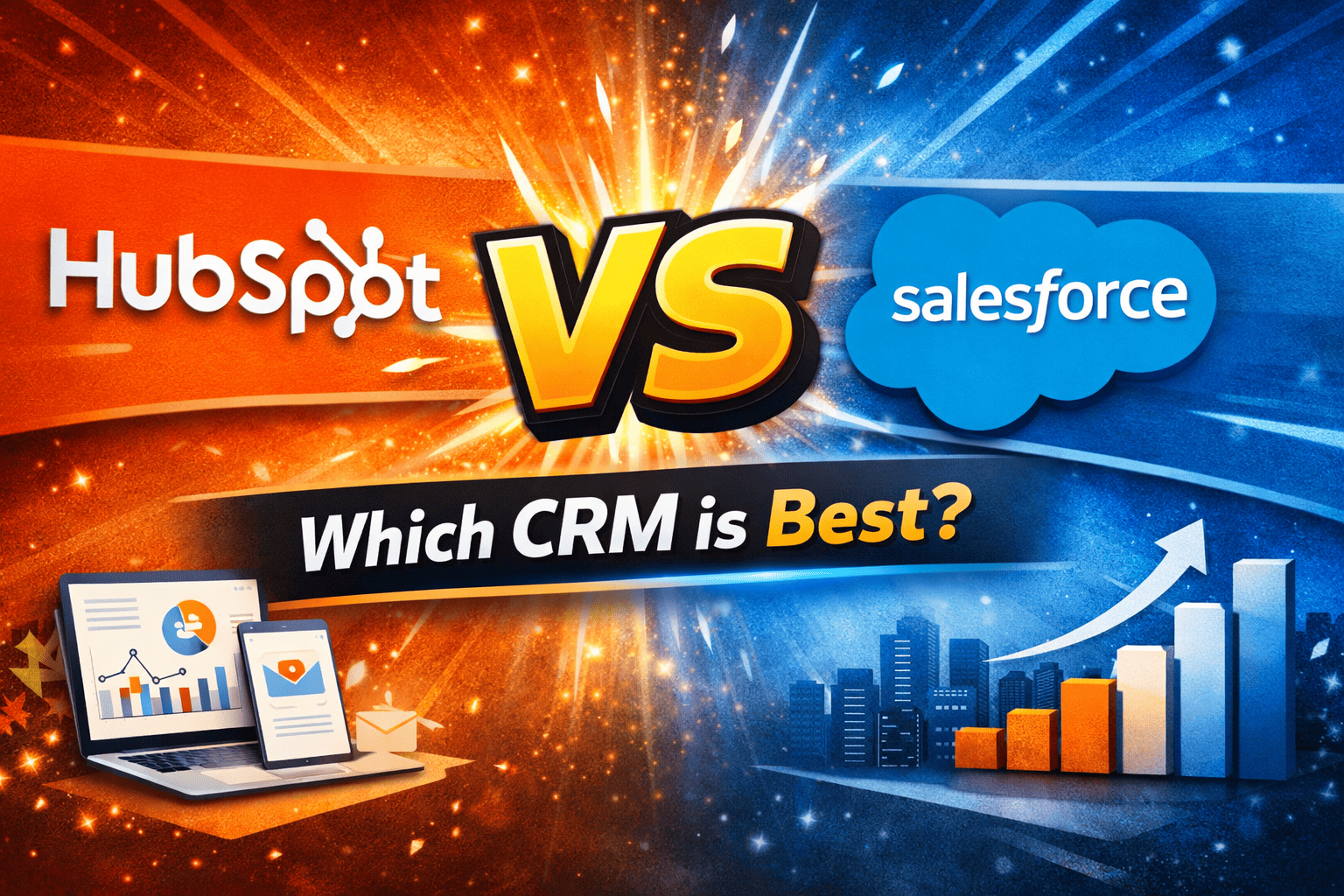
When comparing HubSpot vs Salesforce, many businesses want to know which CRM offers the best mix of features, pricing, and scalability. Both platforms are market leaders, but they take very different approaches to customer relationship management. HubSpot focuses on simplicity, ease of use, and an all-in-one growth platform, while Salesforce delivers highly customizable workflows and enterprise-level automation.
In this guide, we break down the key differences between HubSpot and Salesforce so you can choose the CRM that aligns with your business goals. Whether you’re a startup looking for a cost-effective solution or an established company needing advanced customization, this comparison will help you make the right decision in 2026 and beyond.
Table of Contents
The Quick Comparison Table between HubSpot vs Salesforce
When comparing HubSpot vs Salesforce, one of the most significant differences lies in how quickly your team can adopt and master each platform.
| HubSpot | Salesforce | |
| Ease of use | Excellent | Difficult |
| Email Marketing | Integrated/Simple | Powerful via Marketing Cloud |
| Starting price | Free/Affordable | Paying/Expensive |
Why Choose HubSpot for Your Email Marketing in 2026?
Remarkably Simple (Zero Code Required)
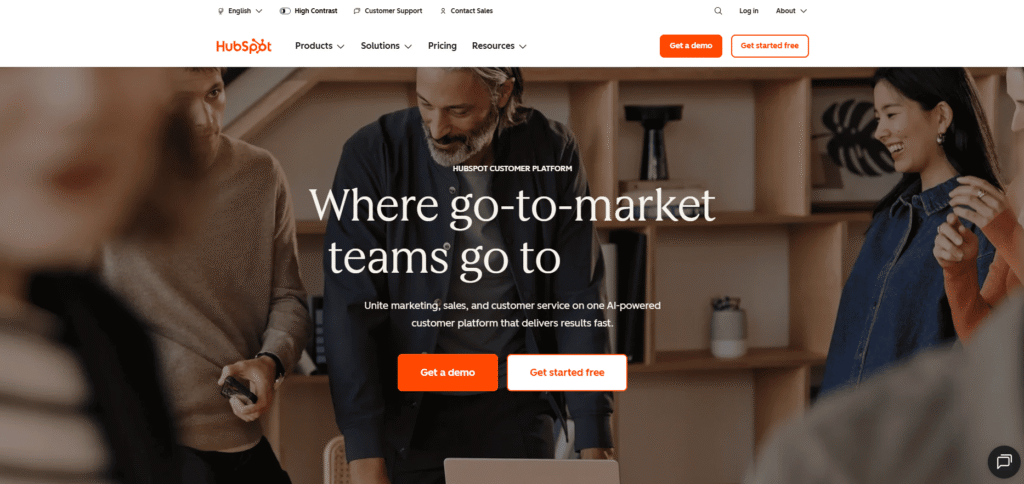
Unlike Salesforce, which often demands technical training, HubSpot offers an intuitive drag-and-drop email editor. You can build professional campaigns in minutes, with no HTML knowledge or design skills needed. It’s the ideal tool for entrepreneurs who want fast results without the technical headaches.
Seamless Integration with the Free CRM
HubSpot’s greatest strength lies in its native integration. Every time a prospect opens an email or clicks a link, that information is instantly updated in your database. This allows you to send highly personalized messages based on your customers’ actual behavior significantly boosting your conversion rates compared to a standalone solution.
Powerful Automation, Built for Everyone
HubSpot makes marketing automation genuinely accessible. You can easily set up welcome sequences, abandoned cart follow-ups, or post-sale nurturing flows. Where Salesforce requires complex configuration, HubSpot lets you visualize your entire sales funnel clearly saving you valuable time every single day.
Why Choose Salesforce for Your Strategy in 2026?
Unlimited Customization (Scalability)
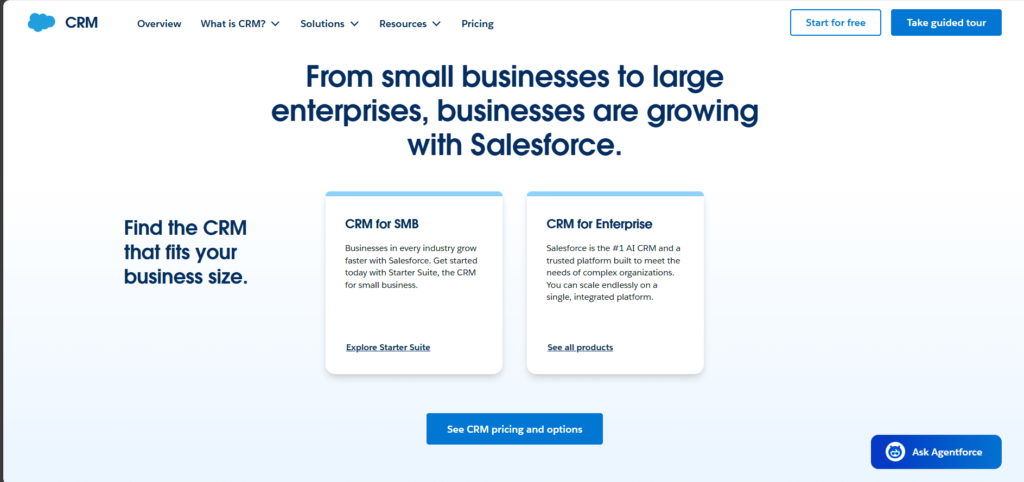
Salesforce is more than just a tool it’s a platform you can shape to fit your exact needs. If your business has unique sales processes or highly complex segmentation requirements that standard tools simply can’t handle, Salesforce is the only solution capable of adapting 100% to your reality. It’s the ultimate investment for companies that refuse to be held back by their software.
The Power of Marketing Cloud and AI
Thanks to its artificial intelligence engine (Einstein GPT), Salesforce can predict the optimal time to send an email to each individual customer. For businesses managing millions of contacts, this level of precision allows you to optimize email revenue with surgical accuracy. If you have a technical team to configure these tools, the firepower it delivers is simply unmatched.
A Massive App Ecosystem (AppExchange)
Salesforce has the world’s largest catalog of integrations. No matter what business software you are already using, there is probably an app on the AppExchange to connect it natively to your CRM. This allows you to centralize all customer data (sales, support, marketing, accounting) in a single place.
Customer Service and Support Features
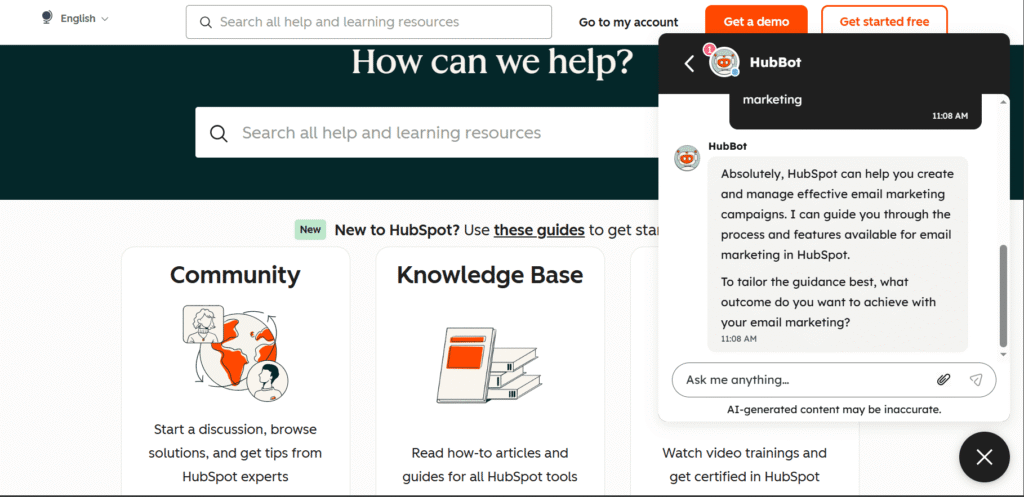
Both platforms have expanded beyond sales and marketing to include customer service functionality, though with different approaches. HubSpot’s Service Hub includes ticketing, knowledge base creation, customer feedback surveys, and live chat capabilities. The platform treats service tickets similarly to how it handles deals, with a pipeline view that shows ticket status and allows service teams to move issues through resolution stages efficiently.
HubSpot offers simple, well-integrated conversational tools like live chat and chatbots that create a consistent experience across sales, marketing, and customer service, with easy-to-set-up integrations via native apps or Zapier.
Salesforce Service Cloud, however, is built for large-scale support operations, delivering advanced case management, omnichannel support, AI-powered automation with Einstein, and unmatched integration depth through its AppExchange, making it ideal for enterprises with complex customer service and integration needs.
For large organizations with dedicated customer service centers handling thousands of daily interactions, Service Cloud provides the scalability and sophistication they need. For smaller businesses that want to add service capabilities to their existing sales and marketing operations, HubSpot’s integrated approach is typically more accessible and cost-effective.
Pricing Plans, Scalability & Total Cost of Ownership
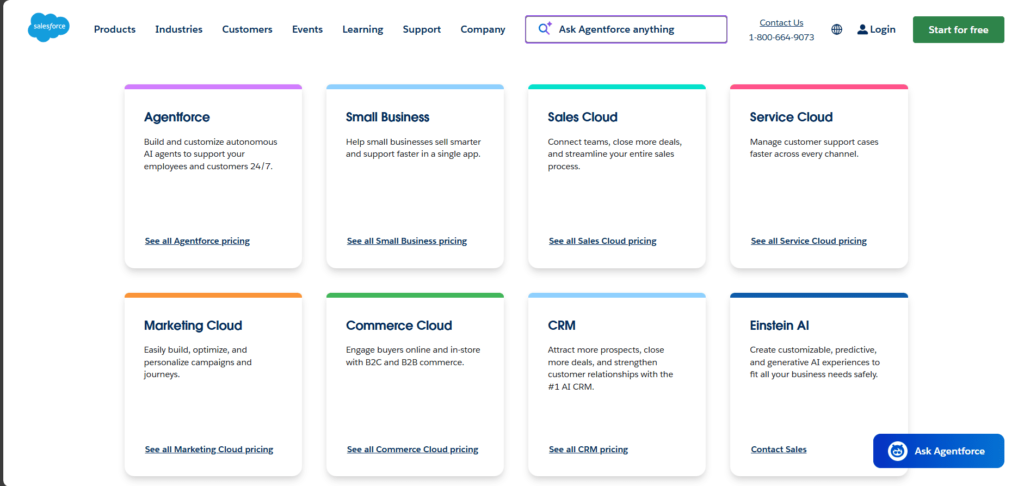
When comparing HubSpot vs Salesforce, pricing is often the deciding factor especially for small and growing businesses. Both platforms offer tiered pricing, but their cost structures are very different. HubSpot is known for its free CRM and predictable pricing, while Salesforce is more flexible and powerful but usually more expensive to scale.
HubSpot Pricing Overview
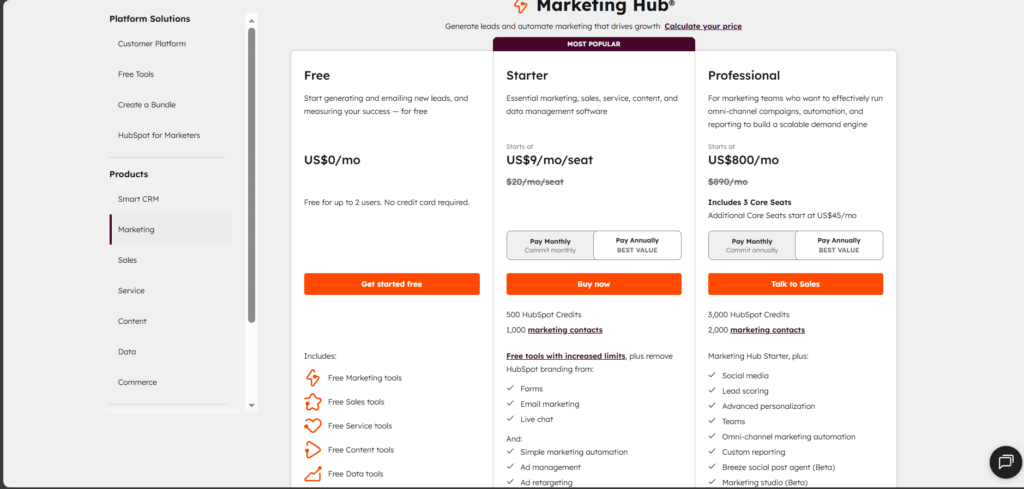
HubSpot offers a free CRM that includes contact management, email marketing basics, deal stages, live chat, and more. This makes it an attractive entry point for startups and small businesses with limited budgets.
As you grow, HubSpot charges by feature tiers and the number of marketing contacts. Costs can rise quickly as you add advanced automation, workflows, AI tools, and premium CMS features. Still, HubSpot remains easier to budget for because its pricing model is straightforward and all-in-one.
Salesforce Pricing Overview
Salesforce does not offer a free plan, but it delivers enterprise-level customization and scalability. Pricing is based largely on user seats and feature bundles, which means costs increase as your sales or support team grows.
Although Salesforce can become expensive for smaller teams, it offers deeper customization capabilities ideal for businesses that need advanced automation, complex workflows, or industry-specific solutions
| Aspect | HubSpot | Salesforce |
| Free plan | ✔ Yes | ❌ No |
| Pricing complexity | Simple & predictable | Complex & customizable |
| Entry cost | Low | Medium |
| Scalability cost | Can rise with contacts | Can rise with user seats |
| Best for | Startups & SMBs | Mid-size & enterprise companies |
Which One Offers Better Value?
In the HubSpot vs Salesforce pricing battle, the best value depends on your business size and growth plans:
- Choose HubSpot if you want a low-cost start with strong all-in-one tools.
- Choose Salesforce if you need high customization and can invest in long-term scaling.
If your business is small but plans to grow, you might start with HubSpot, then move to Salesforce once you require deeper automation and custom workflows.
HubSpot vs Salesforce: Pros & Cons Comparison Table
| Platform | Pros | Cons |
|---|---|---|
| HubSpot | ✔ Free CRM plan available for beginners ✔ Easy to use with a clean, intuitive interface ✔ All-in-one platform for marketing, sales & service ✔ Built-in automation tools without heavy setup ✔ Strong educational content and certifications (HubSpot Academy) | ❌ Advanced automation becomes expensive at higher tiers ❌ Limited deep customization compared to Salesforce ❌ Pricing increases with contact list growth ❌ Less flexible for complex enterprise workflows |
| Salesforce | ✔ Highly customizable CRM for advanced needs ✔ Extensive app marketplace (AppExchange) ✔ Strong automation, AI & analytics capabilities ✔ Scales well for mid-size and enterprise companies ✔ Industry-specific solutions available | ❌ No free plan; higher entry cost ❌ Steeper learning curve for new users ❌ Must rely on admins or partners for deep setups ❌ Can become expensive as you add users and features |
Final Verdict — Which CRM Is Right for You?
Choosing between HubSpot vs Salesforce comes down to your business size, budget, and how much customization you truly need. Both CRMs are powerful, but they serve different types of organizations and growth stages.
If you’re looking for a simple, user-friendly CRM with built-in marketing tools and a low starting cost, HubSpot is the better choice. It’s ideal for startups, small businesses, and growing teams that want a flexible all-in-one platform without the complexity of enterprise software. The free plan and intuitive interface make it easier to get started quickly and show results fast.
On the other hand, Salesforce stands out if you need advanced customization, deep automation, and enterprise-level scalability. It’s the right fit for medium to large companies with complex sales processes, multiple departments, and a need for precise workflow control. However, it requires a higher budget and often more technical support to unlock its full potential.
So, who should choose what?
- Choose HubSpot if you want affordability, ease of use, and an all-in-one platform.
- Choose Salesforce if you need maximum customization, advanced automation, and long-term scaling for enterprise workflows.
FAQ
What is the main difference between HubSpot vs Salesforce?
The biggest difference between HubSpot vs Salesforce is that HubSpot focuses on ease of use and offers an all-in-one platform with a free CRM, while Salesforce provides deeper customization and scalability for enterprise needs. HubSpot is simpler to start with, whereas Salesforce is more powerful for complex business workflows.
Which is cheaper: HubSpot or Salesforce?
HubSpot is generally cheaper at the beginning because it offers a free CRM plan. Salesforce does not have a free plan and becomes more expensive as you add users. However, both platforms increase in cost as you scale and add advanced features.
Is HubSpot better for small businesses than Salesforce?
Yes. HubSpot vs Salesforce comparisons usually conclude that HubSpot is better for small businesses and startups because it’s easy to set up, beginner-friendly, and cost-effective. Salesforce is better suited for medium to large companies needing advanced customization and automation.
Which CRM is easier to use: HubSpot or Salesforce?
HubSpot is easier to use for beginners thanks to its intuitive design and simple onboarding. Salesforce has a steeper learning curve but offers more flexibility once configured properly.
Which CRM has better automation features?
In the HubSpot vs Salesforce automation comparison, Salesforce offers deeper and more customizable workflows, especially for enterprise operations. HubSpot provides strong automation as well, but advanced features require higher-tier plans.